Your identity is more than just your name; it is the master key to your bank accounts, your credit history, and your financial future. In this digital era, your “wallet” isn’t just a leather folder in your pocket. It is the smartphone in your hand, the apps you use to pay for coffee, and the data stored on retail websites.
Identity theft prevention has become the most important skill for any new investor or saver. If someone steals your identity, they can open credit cards in your name, take out loans, or even claim your tax refund before you do.
In this guide, we will break down exactly how you can lock down your financial life this year. We will use simple language and real-world examples to make sure you have the tools to stay safe.
What Exactly Is Identity Theft Prevention?
At its simplest, identity theft prevention is the act of putting “locks” on your personal information so that even if a hacker gets your data, they cannot use it. Think of it like a high-security home. Even if a thief finds your address, they cannot get inside because you have reinforced doors, alarms, and a heavy-duty safe.
In the digital world, your personal information like your Social Security number, your birth date, and your bank login are the targets. Prevention means using tools like credit freezes, two-factor authentication, and secure digital wallets to stop thieves from pretending to be you.
A Real-World Example
Imagine a person named Sarah. Sarah loves shopping at Amazon and Walmart. One day, a major retailer suffers a data breach, and Sarah’s email and password are leaked. Because Sarah practiced good identity theft prevention, she had already “frozen” her credit at the three major bureaus (Equifax, Experian, and TransUnion).
When a hacker tried to use her leaked data to open a new credit card at Chase Bank, the bank tried to check her credit report. Since the report was frozen, the bank denied the application immediately. Sarah’s identity was protected even though her password was stolen.
The Common Beginner Mistake
Many beginners think that “identity theft” only happens to people who are careless or visit “bad” websites. They assume that having a “strong password” is enough to keep them safe.
The Financial Logic
The truth is that even the most careful person can have their data stolen through a breach at a major company you trust. A password is only one layer of defense. Real security comes from locking the system, not just the door. By freezing your credit and using multi-layer security, you make your data useless to a thief.
The Power of the Credit Freeze
If there is one thing you do after reading this, it should be a credit freeze. This is the single most effective tool for identity theft prevention in the United States today.
Why It Works
A credit freeze (or security freeze) tells the credit bureaus not to show your credit report to anyone unless you personally “unfreeze” it. Since almost every lender—like Bank of America or Fidelity—needs to see your credit report before giving out a loan or a credit card, a freeze stops a thief in their tracks.
A Simple Scenario
Let’s say you want to buy a new car from a Tesla showroom. You would go to the credit bureau apps on your phone, “thaw” your credit for 24 hours, let the dealership run your credit, and then it automatically freezes again. It takes about five minutes of work for a lifetime of protection.
The Common Beginner Mistake
Newcomers often confuse a “credit lock” with a “credit freeze.” They also worry that a freeze will hurt their credit score.
The Financial Logic
A credit freeze is free by law and does not affect your credit score. “Locks” are often paid services offered by credit companies that might not have the same legal protections. Always choose the free, government-mandated freeze.
Securing Your Digital Wallet on Your Phone
Most of us now use Apple Pay, Google Pay, or Samsung Pay. These are known as digital wallets. They are actually much safer than physical credit cards, but you must set them up correctly to maximize your identity theft prevention.
How Digital Wallets Work
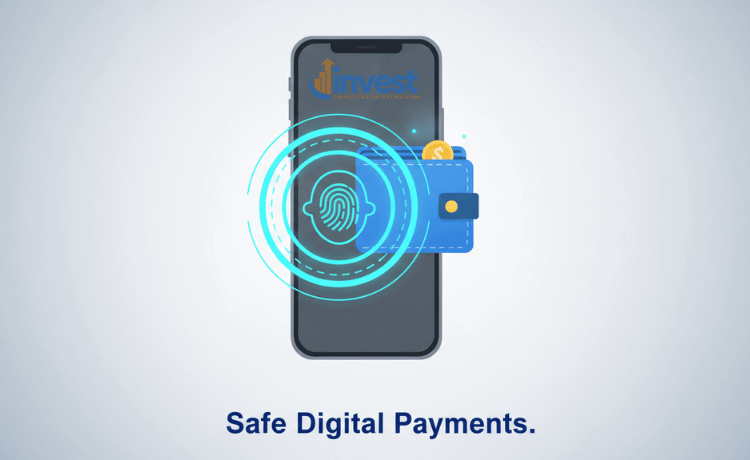
When you tap your phone to pay at a Starbucks or a Costco, your phone does not actually give the store your real credit card number. Instead, it sends a “token”—a one-time-use code. Even if a hacker intercepts that code, they cannot use it again.
A Real-World Example
If you drop a physical wallet at a park, anyone who finds it can see your card number, your name, and the CVV code on the back. If you lose your phone, a thief cannot even open your digital wallet without your FaceID, fingerprint, or a passcode.
The Common Beginner Mistake
Some people avoid digital wallets because they think “putting my card on the internet” is risky. They feel safer carrying the physical card.
The Financial Logic
Physical cards are actually the “weak link.” They can be “skimmed” at gas stations or photographed by a dishonest cashier. Digital wallets provide a layer of encryption that physical plastic simply cannot match. Use your biometrics (face or fingerprint) as the key to your wallet.
The IRS IP PIN: Protecting Your Tax Refund
Tax-related identity theft is a huge problem in the U.S. This is when a criminal uses your Social Security number to file a fake tax return and steal your refund check.
What is an IP PIN?
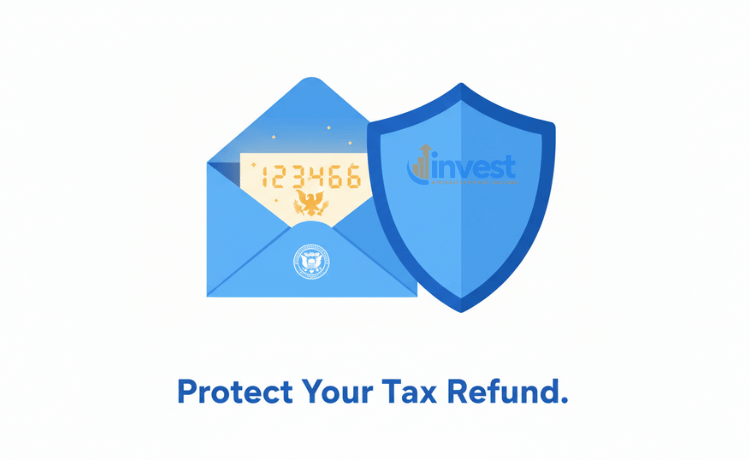
The IRS offers a tool called an Identity Protection Personal Identification Number (IP PIN). This is a six-digit number that only you and the IRS know. Every year, you get a new one. Without this number, the IRS will not accept any tax return filed under your name.
A Simple Scenario
Think of it like a “Secret Code” for your taxes. If a hacker tries to file a return for you in February to get a 3,000 dollar refund, the IRS system will see the code is missing and automatically reject the return. You can then file your real return later with your secret code.
The Common Beginner Mistake
Many people think the IRS will just “know” it’s a fraud. Or they think they only need a PIN if they have already been a victim of theft.
The Financial Logic
The IRS processes millions of returns. They cannot manually check every single one for fraud. Being proactive is the key. In 2026, any taxpayer can opt-in to this program. It is better to have the lock before someone tries the door.
Multi-Factor Authentication: The Second Guard
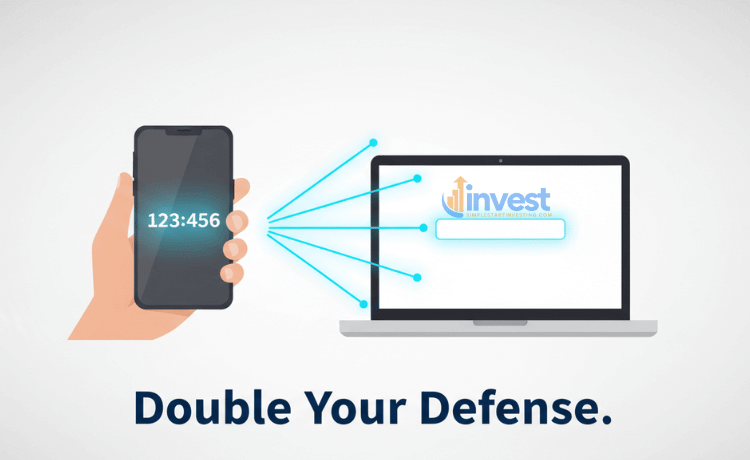
You have probably seen “Two-Factor Authentication” (2FA) or “Multi-Factor Authentication” (MFA). This is when a website asks for your password AND a code sent to your phone or email.
Why It Matters
Passwords can be guessed or stolen. But it is much harder for a thief to steal your password AND have physical possession of your phone at the same time.
A Real-World Example
Imagine you have an investment account at Vanguard or Charles Schwab. You have 50,000 dollars saved for retirement. If a hacker gets your password, they might try to log in to steal your money. With MFA turned on, the hacker is stuck. They would need the code that just popped up on your phone screen to get in.
The Common Beginner Mistake
Many people find MFA “annoying” because it takes an extra ten seconds to log in. They often turn it off for “convenience.”
The Financial Logic
That “annoyance” is exactly what stops a hacker. Most hackers look for “easy wins.” If they see you have MFA enabled, they will likely give up and look for a victim who doesn’t have it. Your financial safety is worth ten seconds of your time.
Recognizing Phishing: The “Social” Side of Theft
The best technology in the world can’t help if you accidentally give your information away. This is called “Phishing” or “Social Engineering.”
How It Happens
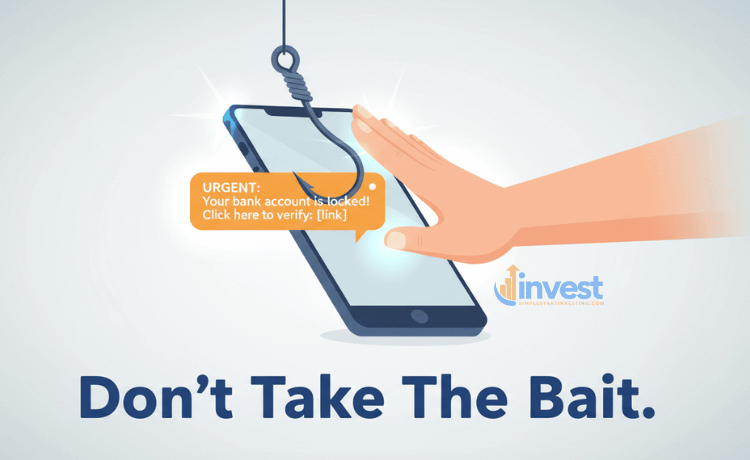
You might get a text message that looks like it is from Netflix or Wells Fargo saying, “Your account is locked! Click here to verify your identity.” The link goes to a fake website that looks exactly like the real one. When you type in your login, the thief records it.
A Simple Scenario
You get an urgent email from “Apple Support” saying someone bought a 1,200 dollar MacBook on your account. You panic and click the “Cancel Order” button in the email. That button takes you to a page asking for your Social Security number. This is a trap.
The Common Beginner Mistake
People often trust the “From” name on an email or a text. If it says “Chase Bank,” they believe it.
The Financial Logic
Legitimate companies like Apple, Walmart, or your bank will never ask for your password or Social Security number via a link in a text message. If you get a message that scares you, don’t click the link. Instead, go directly to the company’s official website by typing it into your browser yourself.
Using Password Managers
Since we need different, strong passwords for every site, it is impossible for a human to remember them all. This is where a password manager comes in.
What is it?
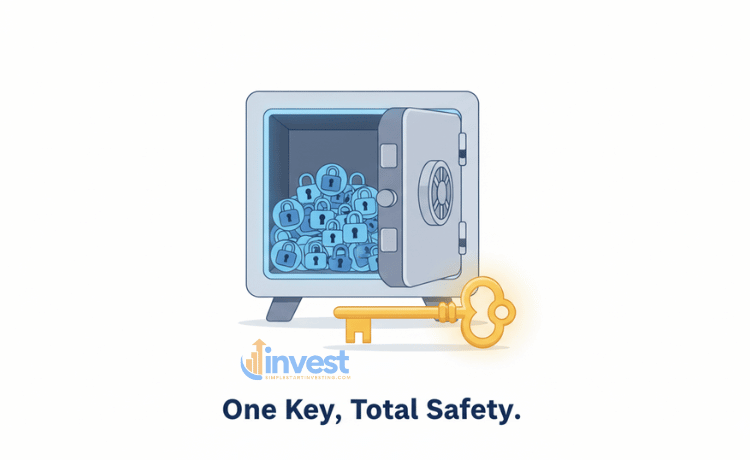
A password manager is like a digital vault that creates and stores complex passwords for you. You only have to remember one “Master Password” to open the vault.
A Real-World Example
Instead of using “DogName123” for every site, your password manager creates something like “kL9#mP2!qZ8” for your PayPal account and something different for your bank. If the PayPal site ever gets hacked, your bank account remains safe because it has a completely different, complex password.
The Common Beginner Mistake
Beginners often write their passwords in a notebook or save them in a “Notes” app on their phone.
The Financial Logic
If someone steals your phone or your notebook, they have everything. A password manager encrypts your data, meaning even if someone steals the “file,” they can’t read it without your master key.
Monitoring Your Accounts Regularly
Even with the best identity theft prevention, you should still keep an eye on your money.
How to Monitor
You don’t need to check every hour. Setting up “Transaction Alerts” on your bank and credit card apps is the best way. You can set it so that every time more than 1 dollar is spent, you get a notification on your phone.
A Simple Scenario
You are sitting at home when you get a notification: “25 dollars spent at a gas station in Florida.” Since you are currently in Ohio, you know immediately that your card has been compromised. You can “freeze” that specific card in your bank’s app within seconds.
The Common Beginner Mistake
People often wait for their monthly statement to check their spending. By then, a thief could have been spending your money for 30 days.
The Financial Logic
The faster you catch a mistake, the easier it is to fix. Most banks have a “Zero Liability” policy, but it is much easier to get your money back if you report the fraud within a day or two rather than a month later.
Action Plan: Steps to Take Today
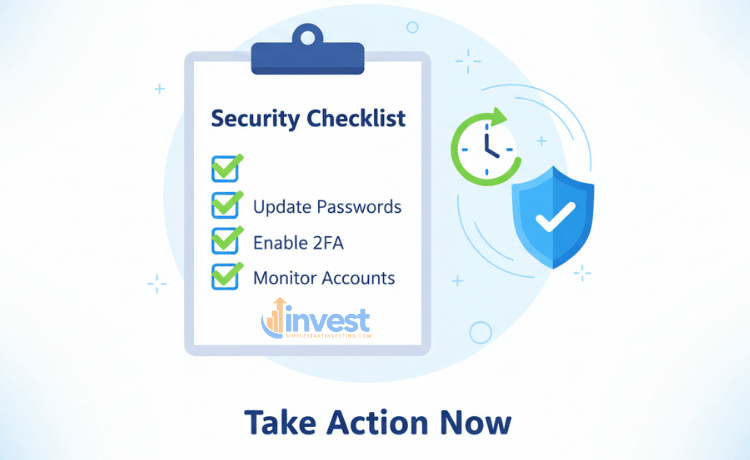
To protect your digital wallet and your future, follow these steps in order:
- Freeze your credit: Visit the websites of Equifax, Experian, and TransUnion. It is free and takes about 15 minutes in total.
- Turn on MFA: Go to your bank, investment, and email accounts. Find the “Security” settings and enable Multi-Factor Authentication.
- Get your IRS IP PIN: Go to IRS.gov and search for “IP PIN.” Opt-in to protect your tax refund.
- Audit your passwords: Use a password manager to ensure you aren’t using the same password twice.
- Set up alerts: Enable “Push Notifications” for all transactions on your financial apps.
Identity theft prevention is not a one-time event; it is a habit. By taking these steps, you are making yourself a “hard target.” In the world of finance, the best offense is a great defense.
Disclaimer: This content is for educational purposes only and does not constitute financial, legal, or tax advice. Regulations regarding credit freezes and IRS procedures may change; please consult with a professional or visit official government websites like FTC.gov or IRS.gov for the most current information.